

Download ZenVPN – Secure, Anonymous, and Fast VPN Service
Overview
ZenVPN presents a spiritual touch to anonymous and safe web browsing, combining minimalist design with robust security protocols. Whether you’re streaming geo‑restricted movies, protecting sensitive data on public Wi‑Fi, or simply masking your digital footprint, ZenVPN offers a clean‑interface solution that stays out of sight until you need it. The service supports IPSec and PPTP out‑of‑the‑box, while advanced users can import OpenVPN configuration files for an open‑source experience.
With a network spanning the United States, Singapore, Canada, Hong Kong, the United Kingdom, the Netherlands, Germany, and many more European locations, ZenVPN ensures you have a server close enough to keep latency low while preserving privacy. The pricing model is refreshingly flexible: a Standard plan at $2.95 per week or $5.95 per month with a 5 GB daily bandwidth cap, and a Premium plan at $5.95 weekly or $9.95 monthly offering unlimited bandwidth. A free trial lets newcomers test the waters without commitment, making ZenVPN an attractive option for both casual surfers and power users seeking a reliable, low‑profile VPN.
Key Features & Plans
- Multi‑Protocol Support: Built‑in IPSec and PPTP, plus optional OpenVPN configuration for tech‑savvy users.
- Global Server Network: Over 30 servers across North America, Europe, and Asia, with a strong focus on European locations.
- Minimal Footprint UI: A discreet, clean interface that only appears when you need to toggle or troubleshoot.
- Flexible Billing: Weekly and monthly subscriptions for both Standard and Premium tiers, a rarity among VPN providers.
- Bandwidth Options: 5 GB daily limit on Standard plan; unlimited data on Premium plan.
- Free Trial: 7‑day trial with full feature access, no credit card required.
- Strong Encryption: 256‑bit AES encryption ensures data stays confidential.
- No Logs Policy: ZenVPN claims a strict no‑logs stance, enhancing anonymity.
- Kill Switch: Automatic connection cut‑off if the VPN drops, preventing IP leaks.
- Cross‑Platform Compatibility: Available for Windows, macOS, Android, and iOS.
Pricing Overview
The Standard plan is ideal for occasional travelers or users who stream a limited amount of content each day. At $2.95 per week or $5.95 per month, it provides a generous 5 GB daily allowance, which translates to roughly 150 GB per month. The Premium plan removes any bandwidth ceiling, catering to binge‑watchers, remote workers, and gamers who need uninterrupted connectivity. Priced at $5.95 weekly or $9.95 monthly, the Premium tier also includes priority customer support and access to the newest server locations as they are added. Both plans come with a 30‑day money‑back guarantee, ensuring you can test the service risk‑free.
Pros
- Lightweight, unobtrusive UI.
- Weekly billing gives short‑term flexibility.
- Strong encryption and kill‑switch for security.
- Extensive European server pool.
- Free trial without credit‑card requirement.
Cons
- Standard plan’s 5 GB daily limit may be restrictive for heavy users.
- No dedicated streaming servers for Netflix/Disney+ optimization.
- Limited advanced settings in the default app; OpenVPN requires manual config.
Installation, Usage & Compatibility
Getting ZenVPN up and running is straightforward, regardless of whether you’re on a desktop or mobile device. Follow these steps to download, install, and start browsing anonymously:
Step‑by‑Step Installation
- Download the Installer: Visit the official ZenVPN website and click the “Download” button matching your operating system – Windows, macOS, Android, or iOS.
- Run the Installer: On Windows, execute the .exe file; macOS users will open the .dmg and drag the app to the Applications folder. Mobile users tap the “Install” button in the App Store or Google Play.
- Create an Account: Launch ZenVPN and register with an email address. You can also sign in using Google or Apple ID for quicker onboarding.
- Select a Plan: Choose between Standard or Premium. If you’re unsure, start with the free trial to evaluate performance.
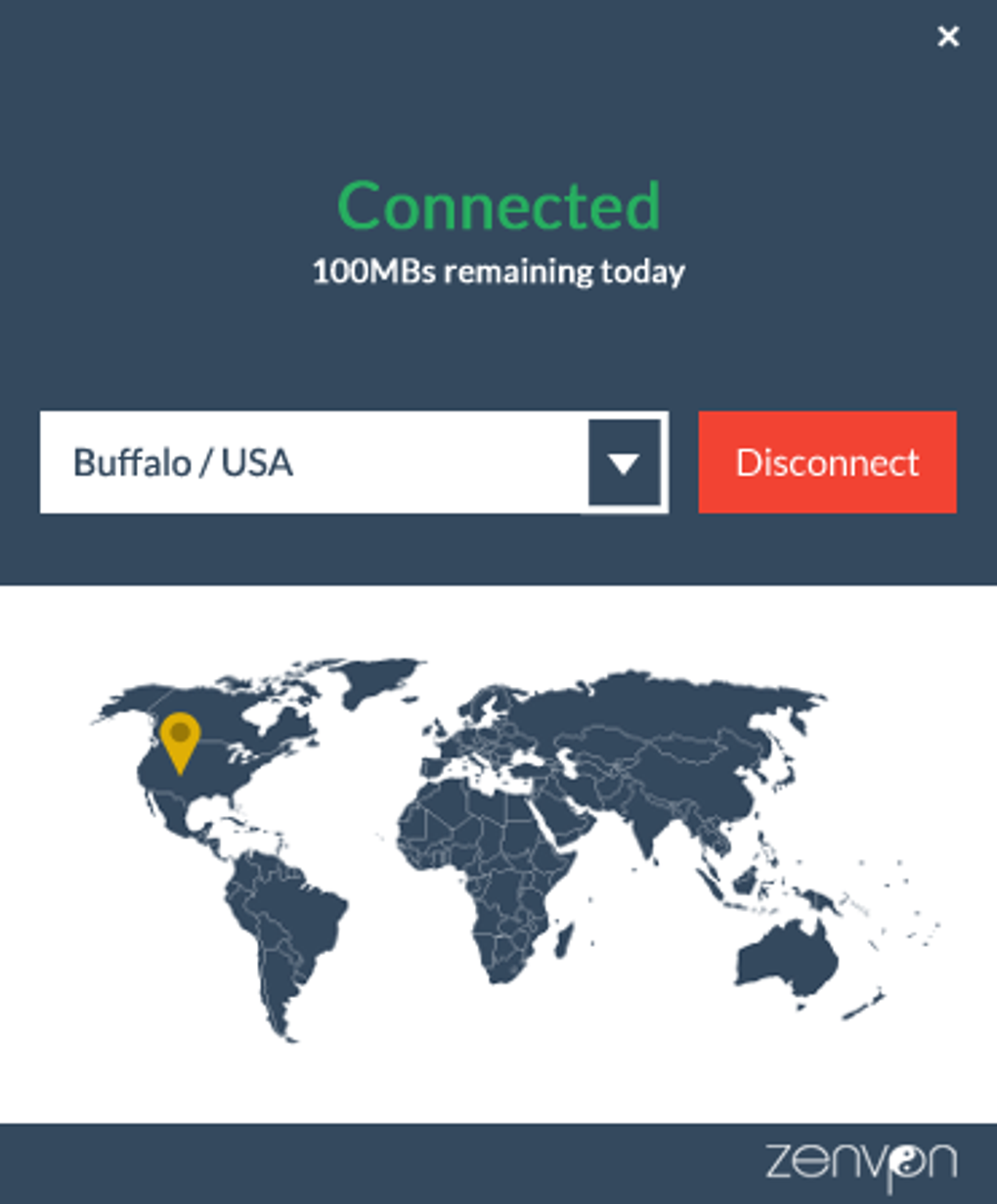
- Connect to a Server: The main dashboard lists available servers by country. Click a location, and the app will establish a secure tunnel within seconds.
- Advanced Configuration (Optional): For OpenVPN users, download the .ovpn configuration files from the “Advanced Settings” tab, then import them into the ZenVPN app or a third‑party OpenVPN client.
Operating System Support
ZenVPN is compatible with the latest versions of Windows 10/11, macOS 10.15 (Catalina) and newer, Android 7.0+, and iOS 13+. The software automatically detects the OS and offers the appropriate installer, ensuring a seamless experience across platforms. For legacy systems, a lightweight command‑line client is also available for Windows XP and older macOS versions, though advanced features like the kill switch may be limited.
Using ZenVPN Effectively
Once connected, all internet traffic is routed through the selected VPN server. The UI shows real‑time data usage, connection speed, and the current IP address. For users concerned about DNS leaks, ZenVPN includes built‑in DNS over HTTPS (DoH) and an option to use custom DNS providers such as Cloudflare or Google. The “Auto‑Connect” toggle can be enabled to ensure the VPN launches automatically whenever the device boots, adding an extra layer of protection for public Wi‑Fi hotspots. If you encounter a connection drop, the integrated kill switch instantly cuts the network, preventing any accidental exposure of your real IP.
Troubleshooting Tips
- Slow Speeds: Switch to a server geographically closer to you or try a different protocol (IPSec vs. PPTP).
- Connection Drops: Verify that the kill switch is active; update the app to the latest version.
- App Won’t Launch: Re‑install the client and ensure that firewall rules allow ZenVPN to communicate.
Frequently Asked Questions
Is ZenVPN compatible with streaming services like Netflix?
ZenVPN can access Netflix, but it does not have dedicated streaming-optimized servers. Performance varies by region, and users may need to try several European or North American servers to find one that works reliably.
Can I use ZenVPN on multiple devices simultaneously?
Yes. A single subscription allows up to five simultaneous connections, covering a mix of desktops, laptops, smartphones, and tablets.
Does ZenVPN keep logs of my activity?
ZenVPN follows a strict no‑logs policy. It does not store browsing history, connection timestamps, or traffic metadata, ensuring maximum anonymity.
What encryption standards does ZenVPN use?
The service employs 256‑bit AES encryption for IPSec and PPTP connections, and the optional OpenVPN configuration also supports AES‑256‑CBC with SHA‑256 authentication.
How does the free trial work and is a credit card required?
The free trial lasts for seven days and provides full access to both Standard and Premium features. No credit card information is needed; you can start the trial directly from the website.
What should I do if the VPN connection keeps dropping?
First, enable the built‑in kill switch. Then, try switching to a different server or protocol. Updating the app to the latest version often resolves stability issues.
Conclusion & Call to Action
ZenVPN strikes a balance between simplicity and security, offering a lightweight client that appears only when you need it while still delivering industry‑standard encryption and a respectable global server footprint. Its weekly billing options differentiate it from many competitors, making it an attractive choice for users who value flexibility without a long‑term commitment. Although the Standard plan’s bandwidth cap may limit power users, the Premium tier removes that restriction and provides unlimited streaming and downloading capabilities. With a free trial, a 30‑day money‑back guarantee, and support for Windows, macOS, Android, and iOS, ZenVPN is a compelling option for anyone seeking a discreet, reliable VPN.
Ready to browse the internet with a spiritual sense of anonymity? Click the button below to start your free trial, download ZenVPN, and experience secure, unrestricted browsing today.
Download ZenVPN Free TrialPros: Minimal UI, weekly billing, strong encryption, extensive European servers.
Cons: Bandwidth cap on Standard plan, no dedicated streaming servers, limited advanced settings in default client.







